

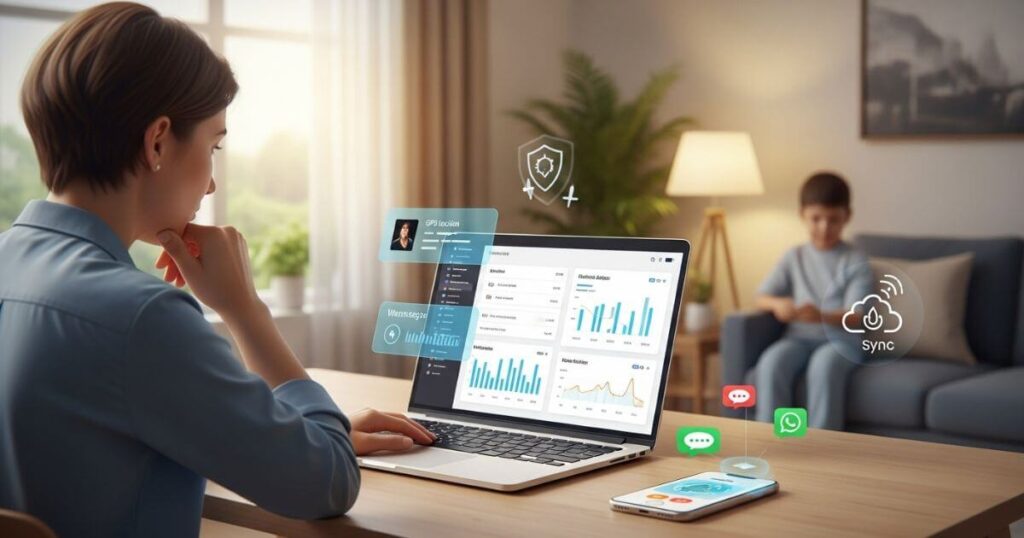
Monitor Your Child’s iPhone – Parenting in the digital age presents a unique set of challenges. With children glued to their iPhones, parents often worry about who they’re talking to and what content they’re exposed to. The fear of cyberbullying, online predators, or inappropriate content is a legitimate concern.
The need to monitor a child’s iPhone is about safety, not a lack of trust. This guide will walk you through the three easiest and most effective ways to keep an eye on your child’s digital life without their knowledge.
Table of Contents
Method 1: Using a Powerful Monitoring App like Msafely

The most comprehensive and discreet way to monitor an iPhone is by using a dedicated monitoring app such as Msafely. These apps are specifically designed to give parents a complete overview of a child’s phone activity remotely and silently.
Msafely is a top phone monitoring app that stands out because it doesn’t require software installation on the target device. This is a crucial advantage for discreet monitoring.
Msafely uses an iCloud solution. This means you only need the target iPhone’s iCloud account and password. There’s no app to download, no jailbreaking, and no need for physical access to the device after the initial setup. This makes it a very appealing option compared to competitors that might require complicated installation processes.
For Android devices, Msafely offers two methods: the traditional APK solution (installing a small app on the phone) or a Google Cloud solution. The Google Cloud method also requires no app installation; it works through Google account and password binding. This flexibility and stealth make Msafely the most legitimate brand with the most solutions, features, and the easiest pairing on the market.

What Msafely Can Monitor on an iPhone
Msafely provides a vast range of features that extend far beyond basic location tracking. This makes it a comprehensive mobile phone tracking app for parents.
- Read All iMessages and Texts: Access all sent, received, and even deleted messages. This includes both iMessages and standard SMS texts.
- Track Social Media: Monitor activity on popular social media platforms like WhatsApp, Snapchat, Instagram, and more. Read chats and view shared media.
- GPS Location Tracking: See your child’s real-time location on a map. You can also view their location history to know where they have been.
- Geofencing: Set up virtual safe zones. Receive instant alerts when your child enters or leaves these designated areas.
- View Call Logs: See a complete record of all incoming and outgoing calls, including duration and timestamps.
- Access Browser History: View every website visited, including pages browsed in private or incognito mode.
- Monitor Photos & Videos: See all photos and videos stored in the device’s gallery, including those shared or received in messages.
- App Usage: Get a detailed list of all apps on the phone and how much time is spent on each one.
- Keyword Alerts: Set up alerts for specific keywords that, when detected in messages, will notify you instantly.
Step-by-Step Guide to Monitor with Msafely
If you are looking for the most efficient and discreet method, here is a simple guide to get started with Msafely:
Step 1: Sign Up
Visit the official Msafely website and create your free account using a valid email address.
Step 2: Choose Your Plan
Select the “iPhone” option and choose a subscription plan that fits your monitoring needs.
Step 3: Connect the Target iPhone
Msafely uses a cloud-based solution. You will be prompted to enter the target iPhone’s iCloud account and password. This is all that is required. The process is quick and discreet, with no app installation needed on the iPhone itself.
Step 4: Access Your Dashboard
Log in to your secure Msafely dashboard from any web browser. You can now begin to monitor all the data from the iPhone remotely.

Method 2: Using Apple’s Built-In Features (Screen Time)
Apple’s Screen Time is a powerful built-in tool for parental controls. It’s a great option for parents who want to set boundaries and monitor their child’s device usage.
How it Works
You can set up Screen Time on your child’s iPhone directly or through Family Sharing. To do this, you’ll need to create a Screen Time passcode, separate from the device passcode.
What You See
Screen Time gives you detailed reports on app usage, websites visited, and time spent on the phone. You can set time limits for specific apps or app categories.
Limitations
While useful for setting limits, Screen Time does not give you access to the content of messages, emails, or social media chats. It’s more about managing time and app access rather than monitoring actual conversations. It’s also not truly “without them knowing,” as the child will be aware of the restrictions and can see the weekly reports.
Method 3: iCloud Synchronization and Backups
If you have access to your child’s Apple ID and password, you can use iCloud’s built-in synchronization features.
How it Works
By logging into your child’s iCloud account on a separate device, you can sync data like contacts, calendars, and even some photos and iMessages, depending on their settings. You can also access full iCloud backups, which contain a snapshot of all data on their phone.
Limitations
This method is not for real-time monitoring. It only provides data that has been backed up. Accessing and restoring a full iCloud backup to view data is a complex and time-consuming process. It’s also not as comprehensive as a dedicated monitoring app, as it may not include data from third-party apps like Snapchat or TikTok.
Conclusion
Monitoring your child’s iPhone is a critical part of modern parenting. While Apple’s built-in tools like Screen Time offer some control, they often lack the depth and discretion that many parents need. Msafely provides the most comprehensive and stealthy solution, giving you access to messages, social media, location, and more without requiring physical access to the device. By choosing a powerful top phone monitoring app like Msafely, you can ensure your child’s safety in the digital world while maintaining peace of mind.
FAQs
Q1. Does Msafely work on an iPhone without jailbreaking?
Yes, Msafely’s iCloud solution for iPhones does not require jailbreaking. This ensures the device’s security and warranty remain intact.
Q2. Will Msafely slow down the target iPhone?
No. Since Msafely does not install any app on the iPhone itself, there will be no impact on the device’s performance or battery life.
Q3. Can I monitor multiple devices with Msafely?
Yes, Msafely offers plans that allow you to monitor multiple devices from a single dashboard, which is ideal for families with more than one child.

Lokesh Sharma is a digital marketer and SEO expert at TechJustify with a keen interest in emerging technology trends including AI, cybersecurity, and digital marketing tools for more than 5 years. He writes clear, actionable articles for tech enthusiasts and business leaders, simplifying complex topics like VPNs, automation, and generative AI.