

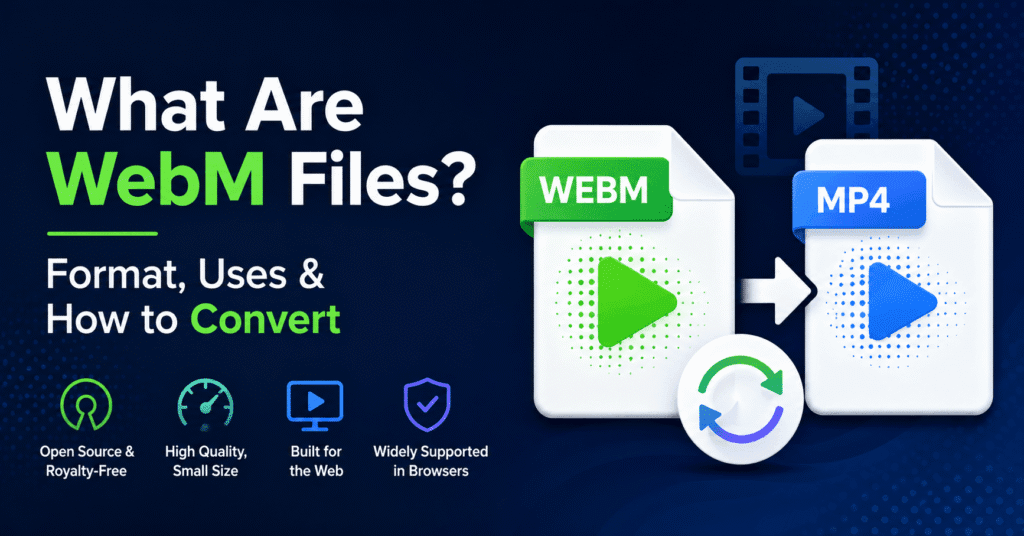
If you have ever watched a video on YouTube or embedded a clip on a website, there is a good chance you have already encountered a WebM file without realizing it. WebM is one of the most widely used video formats on the internet today, yet most people have never heard the name. This guide explains what WebM files are, why they exist, where they are commonly used, and how to convert them when you need a different format.
Table of Contents
What Is the WebM Format?
WebM is an open-source, royalty-free video file format that Google released in 2010. It was built specifically for the web, designed to deliver high-quality video at smaller file sizes than older formats. The name itself is short for Web Media.
Under the hood, a .webm file is a container based on the Matroska (.mkv) structure. It holds video compressed with the VP8, VP9, or AV1 codec and audio compressed with Vorbis or Opus. Because all of these codecs are free from licensing fees, anyone can use WebM without paying royalties. That open nature is one of the main reasons Google pushed for its adoption.
Why Was WebM Created?
Before WebM, the dominant web video format was MP4 with the H.264 codec. H.264 works well, but it comes with patent licensing requirements that developers and companies must pay to use commercially. Google wanted an alternative that was completely free and optimised for browser-based playback through HTML5.
The result was WebM. It integrates directly with the HTML5 <video> tag, meaning browsers can play WebM files natively without plugins or third-party software. That made it attractive for web developers, streaming platforms, and content creators who needed lightweight video delivery.
Where Are WebM Files Used?
WebM shows up in more places than most people realise. YouTube converts every uploaded video into WebM for browser-based playback. Many websites use WebM for background videos, hero banners, and embedded tutorials because the file sizes are significantly smaller than MP4 at comparable quality.
Social media platforms, messaging apps, and screen recording tools also support WebM. If you have ever shared a short animated clip on Discord or Telegram, it was likely in WebM format. The combination of small size and decent quality makes it ideal for sharing content without eating up bandwidth or storage.
WebM vs MP4: What Is the Difference?
MP4 remains the most universally compatible video format. It plays on virtually every device, operating system, and media player without issues. WebM, on the other hand, is built for the browser. Chrome, Firefox, Edge, and Opera all handle WebM natively, but Safari and some older media players do not.
In terms of compression, WebM (especially with VP9 or AV1) often achieves smaller file sizes than MP4 at the same visual quality. That efficiency matters for websites where page load speed affects both user experience and search rankings. However, if you need a file that works everywhere, including iPhones, smart TVs, and offline media players, MP4 is still the safer choice.
How to Open and Convert WebM Files
Opening a WebM file is simple on most computers. Drag it into Chrome or Firefox and it plays instantly. VLC Media Player also handles WebM without any extra codecs. On mobile devices, most Android phones support WebM natively, though iPhone users may need a third-party player.
Converting WebM to MP4 or another format is straightforward with the right tool. AhaConvert is a free browser-based platform that handles video conversions without requiring downloads or account signups. You upload your file, pick the output format, and the conversion runs in seconds.
If you are specifically working with WebM files, their dedicated WebM converter page lets you convert WebM to MP4, AVI, MOV, and several other formats. It also works in reverse, so you can convert MP4 files into WebM when you need a smaller file for web use. The process is fast, runs entirely in the browser, and keeps the original quality intact.
Read More:- Free Youtube Premium Accounts & Passwords (100% Working)
Should You Use WebM?
WebM is an excellent choice if your video will primarily live on the web. It loads faster, costs nothing to use, and is supported by every major browser except Safari. For website owners, using WebM for embedded video can improve page speed and reduce hosting bandwidth costs.
For general file sharing, video editing, or playback on devices outside the browser, MP4 is still more practical. The good news is that converting between the two takes seconds with the right tool, so you are never locked into one format. Understanding when to use WebM and when to stick with MP4 comes down to where your audience will watch the video.

Lokesh Sharma is a digital marketer and SEO expert at TechJustify with a keen interest in emerging technology trends including AI, cybersecurity, and digital marketing tools for more than 5 years. He writes clear, actionable articles for tech enthusiasts and business leaders, simplifying complex topics like VPNs, automation, and generative AI.