

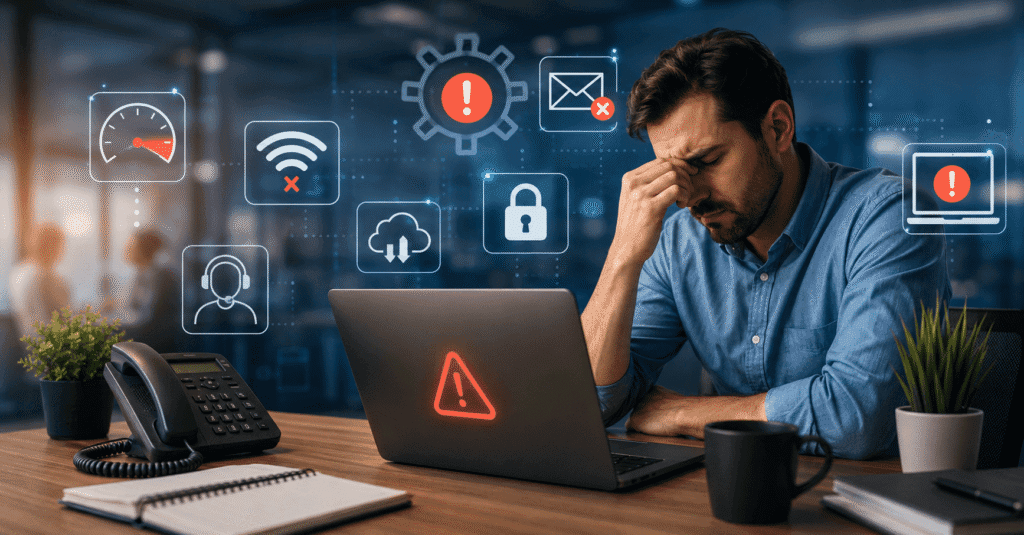
Technology should make running a business easier. But when computers are constantly slowing down, employees struggle to access important files, or every technical problem turns into an emergency, technology can quickly become a source of frustration.
For professional businesses, the consequences can extend beyond inconvenience. System downtime can interrupt client communication, cybersecurity weaknesses can put confidential information at risk, and inefficient processes can consume hours that could be spent on more valuable work.
The difficult part is knowing when occasional IT problems have become signs of a larger issue.
Here are seven indications that your business may have outgrown its current approach to IT support.
Table of Contents
1. Small IT Problems Keep Interrupting the Workday
Every workplace experiences technical issues occasionally. The problem begins when they become part of the daily routine.
Employees might regularly encounter:
- Slow computers
- Unreliable Wi-Fi
- Software that crashes
- Printer and network problems
- Difficulty accessing shared files
- Password and login issues
- Applications that don’t work together properly
Individually, these problems may seem minor. Collectively, they can consume a surprising amount of productive time.
Imagine ten employees each losing 15 minutes per day to avoidable technology issues. That’s more than 12 hours of lost productivity every working week.
Good IT management isn’t simply about fixing problems after they happen. It should also identify recurring issues and address their underlying causes.
2. Your IT Strategy Is Mostly Reactive
Think about the last few times you contacted IT support.
Was it because something had already stopped working?
If most interactions with your IT provider begin with an emergency, your business may be relying too heavily on reactive support.
A more proactive approach involves regularly reviewing systems and identifying potential problems before they interrupt operations.
That can include:
- Installing security updates
- Monitoring network performance
- Reviewing system health
- Checking backups
- Identifying ageing hardware
- Assessing cybersecurity vulnerabilities
- Planning technology upgrades
Preventing every technical problem isn’t realistic. However, businesses can reduce unnecessary disruptions by maintaining their technology rather than waiting for something to fail.
3. Cybersecurity Has Become an Afterthought
Cybersecurity isn’t something businesses can simply address once and forget about.
Threats change, employees come and go, software is updated, and businesses introduce new devices and applications. Each change can potentially create new vulnerabilities.
Basic cybersecurity measures should include strong passwords, multi-factor authentication, updated software, reliable backups and appropriate access controls.
Employee awareness matters too.
Even sophisticated security technology can be undermined when someone unknowingly clicks a malicious link or provides credentials through a convincing phishing email.
This is particularly important for organisations that handle sensitive information. Law firms, financial organisations, healthcare providers and other professional services businesses often hold confidential client data that requires careful protection.
Cybersecurity therefore needs to become part of everyday business operations rather than something discussed only after an incident occurs.
4. Employees Are Becoming the Unofficial IT Department
There’s often one person in every office who happens to know more about computers than everyone else.
Before long, that employee becomes the person colleagues approach whenever something stops working.
While asking a knowledgeable coworker for occasional help isn’t necessarily a problem, relying on employees to provide regular technical support can become inefficient.
They were hired to perform another role.
Every hour spent troubleshooting email, installing software or trying to reconnect a printer is an hour they’re not spending on their actual responsibilities.
Professional IT support allows employees to focus on the work they’re qualified to perform while technical specialists deal with technology problems.
Providers such as Digital Crisis take this approach further by combining managed IT support with cybersecurity, network monitoring, backup and recovery, particularly for professional environments such as law firms.
The goal isn’t simply to have someone available when a computer breaks. It’s to build a technology environment that creates fewer interruptions in the first place.
5. Nobody Is Completely Sure Whether the Backups Work
Most businesses understand that backups are important.
Far fewer regularly ask the more important question: Could we actually restore everything if we needed to?
A backup strategy needs to consider more than simply copying files somewhere.
Businesses should understand:
- What information is being backed up
- How frequently backups occur
- Where backup copies are stored
- Who can access them
- How long information is retained
- How quickly systems could be restored
- Whether restoration procedures are regularly tested
This becomes particularly important when ransomware, hardware failure, accidental deletion or another unexpected event affects critical systems.
Discovering that a backup wasn’t working after data has already been lost is far too late.
6. Your Business Has Grown, but Your Technology Hasn’t
A technology setup that worked perfectly for five employees may become inefficient when the organisation grows to 20, 50 or 100 people.
Growth introduces new requirements.
More employees usually mean more devices, accounts, applications, files and cybersecurity considerations. Remote and hybrid working can add another layer of complexity.
Businesses may also find themselves using multiple applications that were introduced independently over several years.
Eventually, employees might be entering the same information into different systems or repeatedly completing tasks that could be automated.
This is a good opportunity to review whether existing technology still matches the way the organisation operates.
Ask questions such as:
- Are employees repeating manual processes unnecessarily?
- Can important information be accessed securely when working remotely?
- Are we paying for software nobody uses?
- Could routine administrative tasks be automated?
- Do our systems integrate effectively?
- Can our current infrastructure support future growth?
Technology should scale with the organisation rather than become an obstacle to expansion.
7. Downtime Is Becoming Expensive
When technology stops working, the cost isn’t limited to the repair bill.
Employees may be unable to work. Customers may struggle to reach the business. Important deadlines can be missed. Transactions may be delayed.
For professional services firms, even relatively short disruptions can have wider consequences.
Consider what would happen if your main systems became unavailable tomorrow morning.
Could employees continue working?
Could they access important documents?
Could customers or clients contact the business?
How quickly could operations return to normal?
If the answers aren’t clear, business continuity deserves more attention.
A reliable IT strategy should consider what happens before, during and after a disruption.
What Should Businesses Expect From Modern IT Support?
The role of IT support has changed considerably.
Businesses shouldn’t have to wait until something breaks before speaking with their technology provider. Modern IT management is increasingly about prevention, security and planning.
A comprehensive approach may cover:
- Network monitoring and maintenance
- Cybersecurity
- Help desk support
- Data backup and recovery
- Software and hardware management
- Employee cybersecurity awareness
- Cloud systems
- Business continuity planning
- Communication systems
- Process automation
The exact requirements will vary depending on the organisation.
A small creative agency, for example, will have different technology requirements from a law firm handling confidential client documents.
The important thing is having IT support aligned with the actual risks and operational needs of the business.
Don’t Wait for a Major Problem
One of the easiest mistakes to make with technology is assuming everything is fine simply because nothing serious has happened yet.
Recurring technical problems, ageing systems, unreliable backups and weak cybersecurity practices may not cause immediate disruption. But they can gradually increase operational risk.
Companies such as Digital Crisis focus on proactive managed IT and cybersecurity services designed to help organisations address technology issues before they escalate into larger problems.
Whether a business works with an external provider or maintains an internal IT team, the principle remains the same: technology should support the organisation rather than constantly demand its attention.
If employees are spending more time dealing with IT problems, security concerns or outdated systems, it may be worth reviewing whether the current approach still meets the needs of the business.
Because the best time to improve an IT environment isn’t after a serious outage or security incident. It’s while everything is still working.

Lokesh Sharma is a digital marketer and SEO expert at TechJustify with a keen interest in emerging technology trends including AI, cybersecurity, and digital marketing tools for more than 5 years. He writes clear, actionable articles for tech enthusiasts and business leaders, simplifying complex topics like VPNs, automation, and generative AI.