

Windows 10 Home OEM Key: A Worthy Investment with Endless Amenities – Investing in a legitimate operating system is key to user convenience. These days, people feel more intrigued by software aids on their PCs. Quick access, commendable features, and comprehensive support delight them. However, even in this breakneck world (that witnesses upgrades and evolution every day), a few old solutions still serve efficiently.
An operating system’s survival depends on its ability to serve evolving needs. Furthermore, users prefer or stick to an operating system according to their requirements. Even after the introduction of Windows 11, people still use Windows 10 for home use. Windows 10 Home OEM key buyers are significantly growing with time.
Table of Contents
Windows 10 Home OEM Key: A Worthy Investment with Endless Amenities
Windows 10 Home serves endless purposes. It becomes a part of your regular life and home maintenance. This highly recommended home OS system is dependent and assists users in their daily chores (related to the PC).
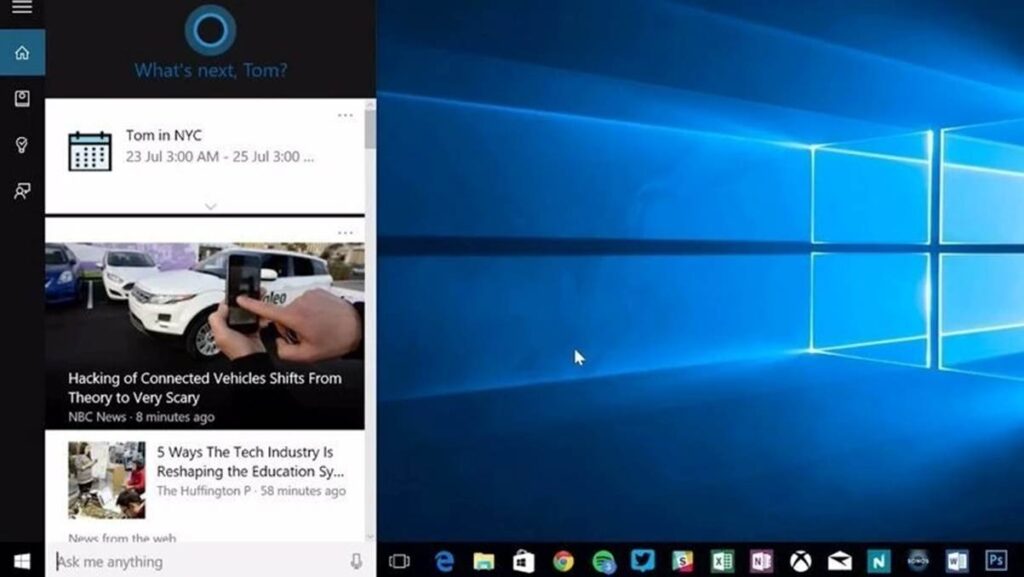
Key Features:
Windows 10 Home supports daily computing needs with its feature-rich solutions. Here are a few key features that make this OS timeless.
Convenient Interface:
- Windows 7 and 8 users find Windows 10 Home more convenient.
- The OS ensures handy tools and features.
- Task View and Virtual Desktops allow you to switch applications, desktops, web services, etc.
Security Aspects:
- Windows Defender Antivirus sets high-security standards. This built-in function restricts malware and viruses.
- Fingerprint scanning and face recognition features let you log in to the system without entering a password.
- Boot security guards the system when starting and controls unexpected software from running.
Cortana:
- Windows 10 Home features Cortana (a virtual assistant) to respond to voice commands.
- Cortana integration promotes hands-free control.
- It manages searches, history, data, reminders, tasks, schedules, etc., like a personal assistant (a virtual one).
Enhanced Gaming Experience:
- Commendable graphics and gaming speed with the introduction of DirectX 12.
- Access Xbox One games through the Microsoft Store and play them on your Windows 10 system.
- Integrate Xbox and experience cross-platform gaming on your PC.
Microsoft Edge:
- Another giant and appreciative introduction by Microsoft 10 Home.
- Facilitates faster browsing compared to former web browsing solutions and versions.
- Promotes a safer way to surf the internet and protects your system from potential risks and malware.
Accessing a Wide Range of Applications:
- Pre-installed applications on Windows 10 can address primary home usage needs.
- Fundamental tools such as calendar, music, mail, and photos are readily available.
- Microsoft Store allows you to access further tools for advanced needs. Download any application from this store for gaming, entertainment, and home management.
Personalization:
- You can design and execute the way your desktop should look. Customizing themes, background images, and colors will add a personal touch to your PC.
- Set any language you are comfortable with. You can even change languages according to tasks and operations.
- Also, bring handy tools and applications to the desktop without any restrictions.
Updated Features:
- The existing operating system may have discrepancies. Microsoft rectifies and updates them.
- Easy updates and installations allow you to enjoy upgraded features and tools.
- The updates seamlessly integrate with the OS and support your PC’s performance.
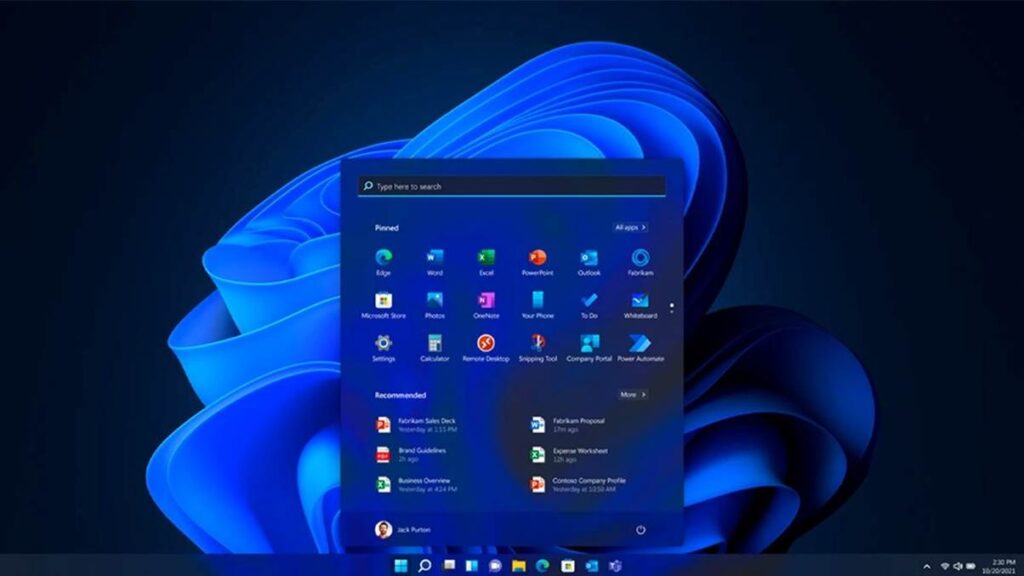
Accessing Windows 10 Home:
Your PC or laptop might serve you endlessly with its commendable features. You may use it day and night for personal, professional, and entertainment purposes.
Read Also: 9 Advantages and Disadvantages of Windows 10
For instance:
- The Excel Sheets have been a part of your monthly budget maintenance.
- Notepad and Word documents serve as your journal and to-do lists.
- Microsoft Edge is your gateway to the internet services.
- Photos and other folders keep your personal and professional data safe.
- OneDrive gives you access to media and files stored on multiple devices.
- Microsoft Store gives you the freedom to install and access infinite applications.
Windows 10 Home is an ideal operating system for personal use. You can update your PC from Windows 7 or 8 to Windows 10, and access it using a Windows 10 Home OEM license key. The 25-digit alpha-numeric code helps activate your operating system and use its features. A subtle update will enhance your system’s operability.
Buying a product key can be overwhelming, especially when it’s your first time. You need insights and assurance to make a worthy purchase. Not considering customer reviews can be a grave mistake here. Meanwhile, a reliable platform can eliminate the concerns.
Turning to Keyzing whenever you need a product key is a valuable decision. The platform allows you to buy a Windows 10 Home license key. It’s a secure platform that keeps you confident about your purchase and transactions. So, choose a more comfortable way to update your home systems with an efficient OS with this service.

Pradeep Sharma is a author the mind behind Techjustify, where I craft insightful blogs on technology, digital tools, gaming, AI, and beyond. With years of experience in digital marketing and a passion for tech innovation, I aim to simplify complex topics for readers worldwide.
My mission is to empower individuals with practical knowledge and up-to-date insights, helping them make informed decisions in the ever-evolving digital landscape.